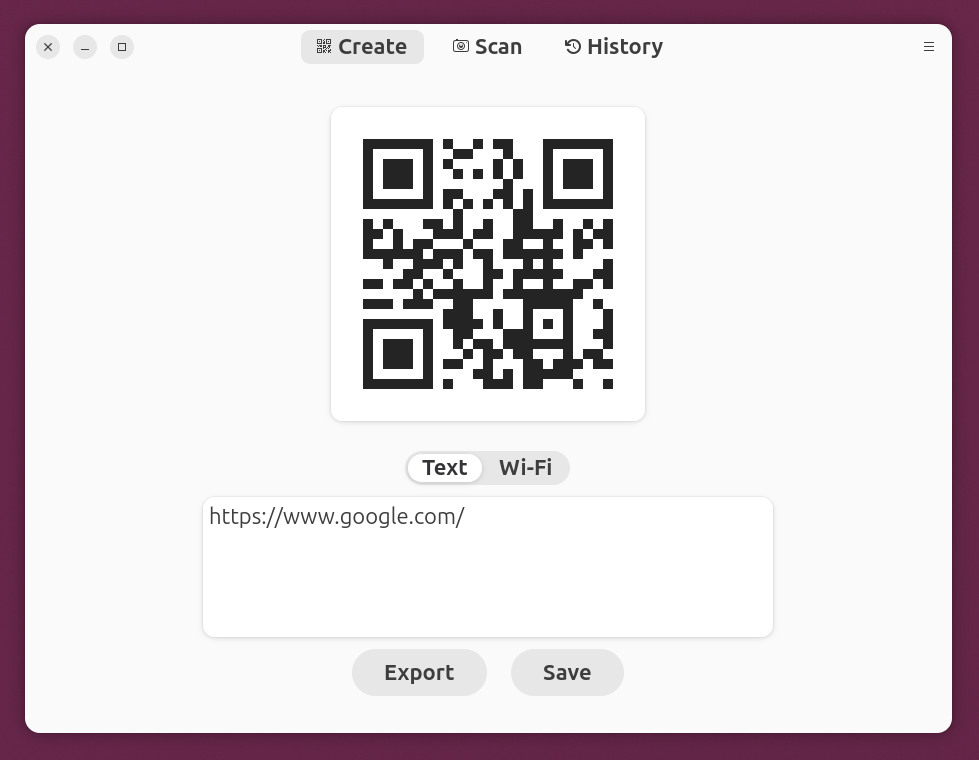
GNOME Decoder: A quick and no-frills QR code generator
I don’t often need to generate QR codes, but occasionally I need to embed a few into presentation slides. As far as I know, Google Slides doesn’t have a built-in feature to generate and embed QR codes, and it requires using an add-on or generating the image elsewhere and pasting it in (and it’s a pity that Google Slides doesn’t support the SVG format either).
There have been QR code generators available on Ubuntu. However, GUI-based options often pulled in too many dependencies to me, so I usually generate images via the command line like the following:
$ qrencode -s 16 \
    -o qrencode_qrcode-google.com.png \
    https://www.google.com/

qrencode command
You might say that web browsers have built-in “Share” functions that convert URLs into QR codes. However, they usually include their own branding, and I couldn’t find any configuration setting to turn that off.

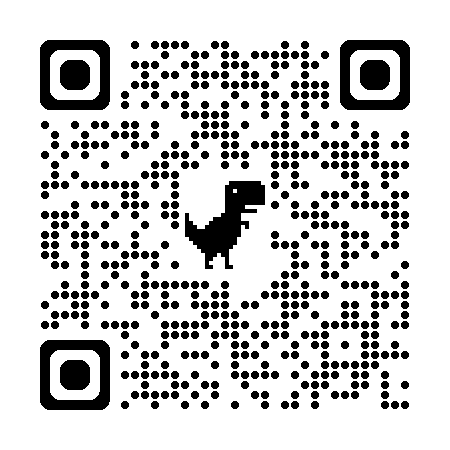
Recently, I happened to come across a generator for GNOME called Decoder, and it does exactly what I need. It’s also available in the universe repository for Ubuntu 26.04 LTS or newer so it can be installed quickly via APT.